Setting Language & Voice
Setting Language
Section titled “Setting Language”You can set a specific language for an agent.
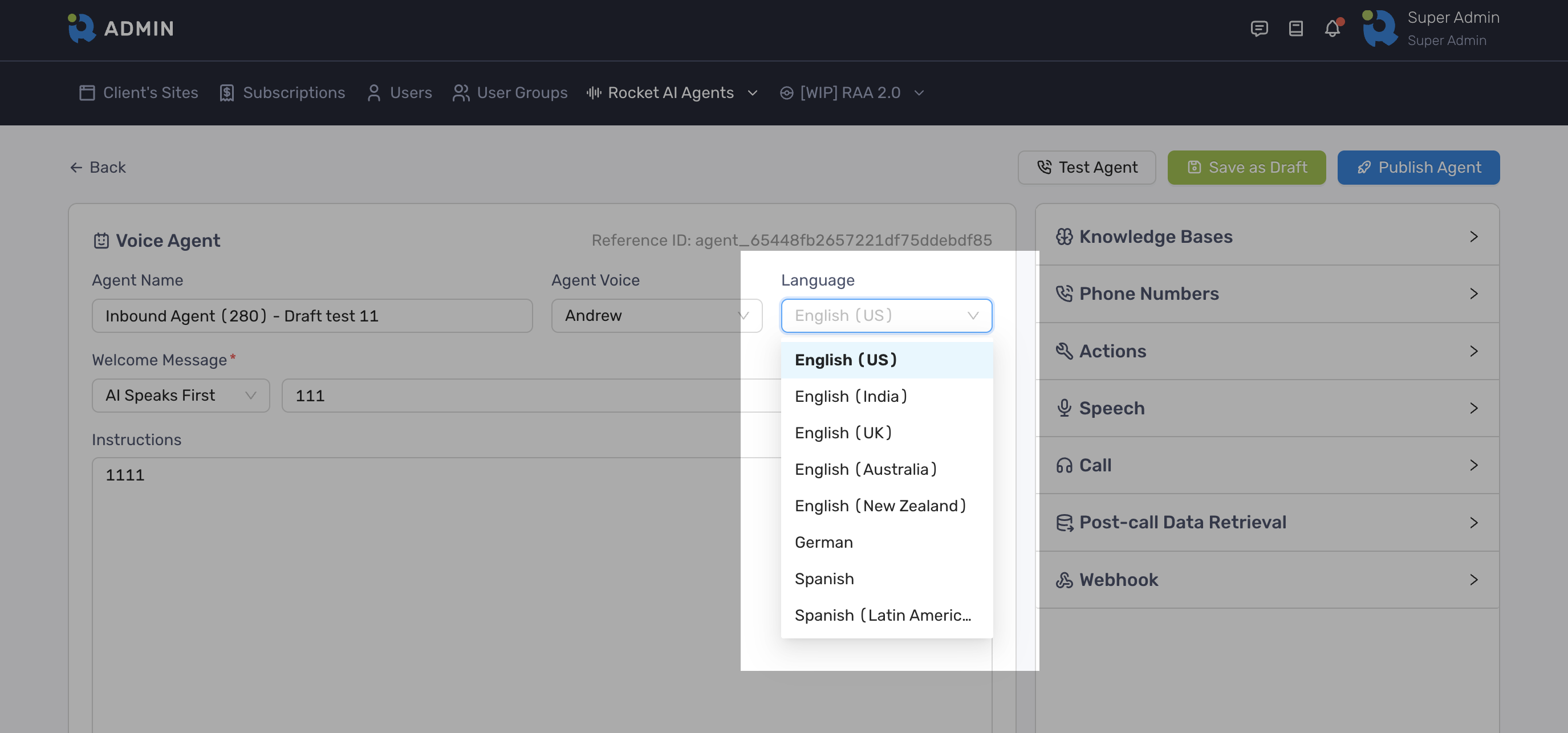
Currently that setting would have the following effects:
- Determines what language the agent would understand (language of speech to text).
- Enforce the agent to generate responses in a certain language. For multilingual, agent will infer the language based on the allowed languages and instructions.
- Passes the language code to the TTS model, which may have subtle effects on the pronunciation and accent. For multilingual, it auto-detects the language based on the text.
- If a specific TTS model is not chosen, it may influence the automatic model selection.
What it does not do:
- While the language setting may influence accent and pronunciation to some degree, the voice you select is the primary determinant of the accent.
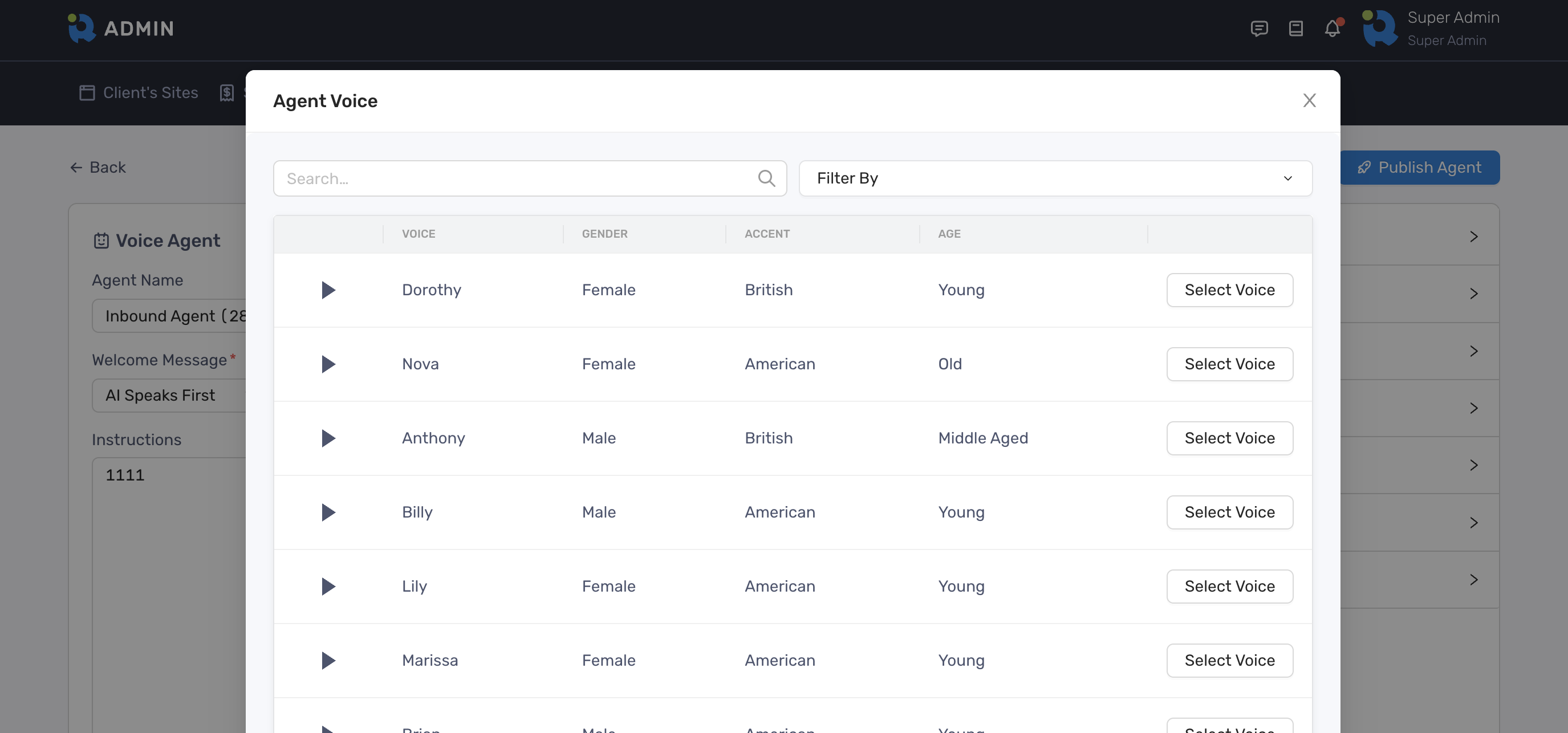
Setting Voice
Section titled “Setting Voice”You can set a specific voice for an agent by clicking the Agent Voice dropdown field