

Welcome to RocketLevel Admin
RocketLevel Admin gives you a central place to manage client’s accounts, user access, and team permissions — with even more tools on the way.
Getting Started
Section titled “Getting Started”- Contact Super Admin for access request
- Open the email invite and follow the instruction on it
- Once you log in, you’re prompted to change the temporary password
- Log in again with the new password, and you’ll see the dashboard
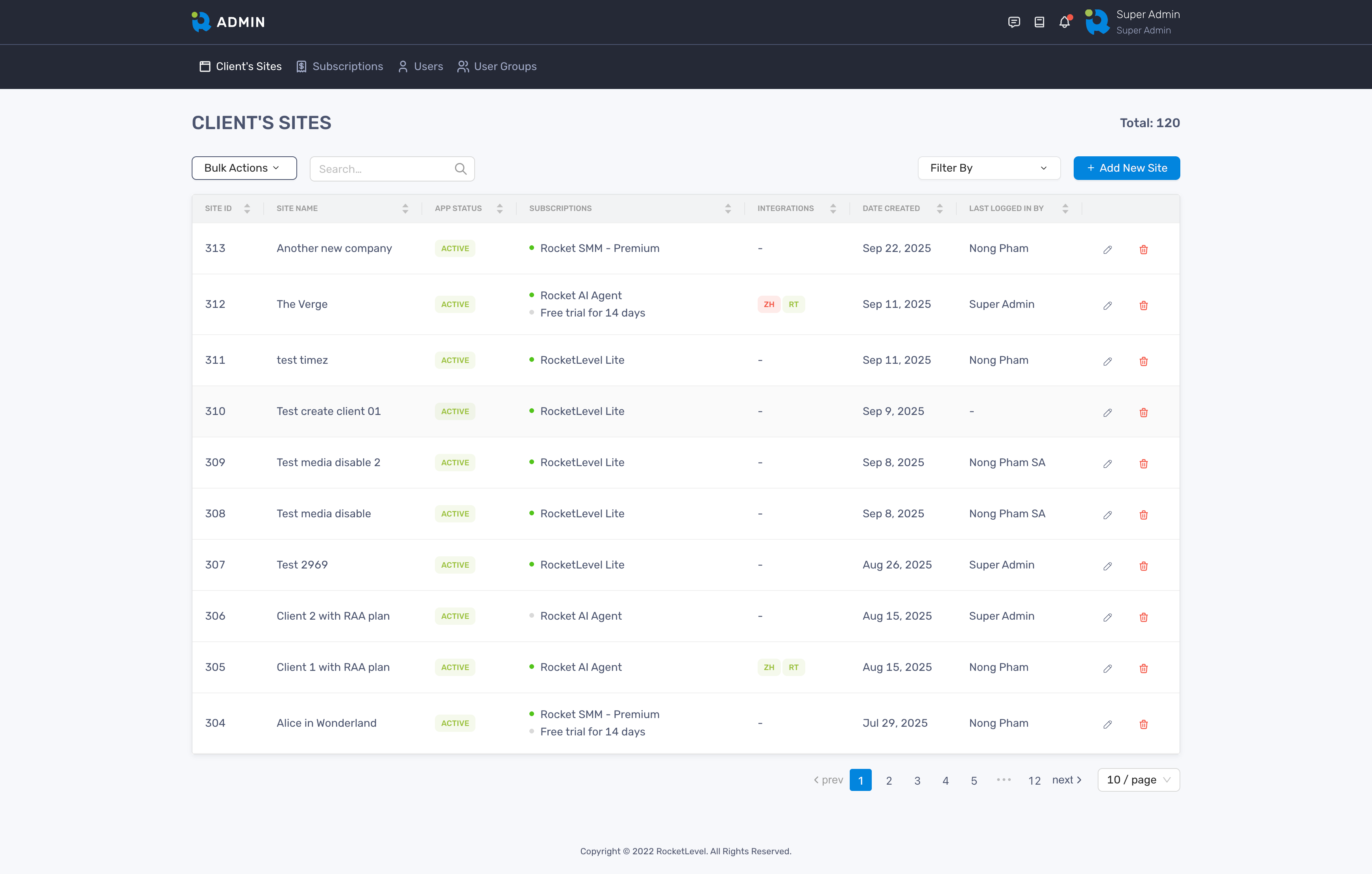
Next Steps
Section titled “Next Steps”Now that you have access to the Admin Portal, here’s how to make the most of it:
Understanding Admin Portal Get to know what and where on Admin portal
Managing Your User Profile Customize your account information and more
Managing User Groups Add, edit or delete user groups
Managing Users Add, edit or delete users
Managing Client's Sites Add, edit or delete client's sites
Managing Roles & Permissions Control who can and cannot access which