

Assigning agent to a client
Once an agent is configured and deployed, it must be linked to the specific client’s account. This ensures that performance metrics appear in the client’s portal and that usage data is accurately synced to Stripe for metered billing.
Prerequisites
Section titled “Prerequisites”- The client has an active Rocket AI Agent subscription on Stripe
- The agent has been successfully published
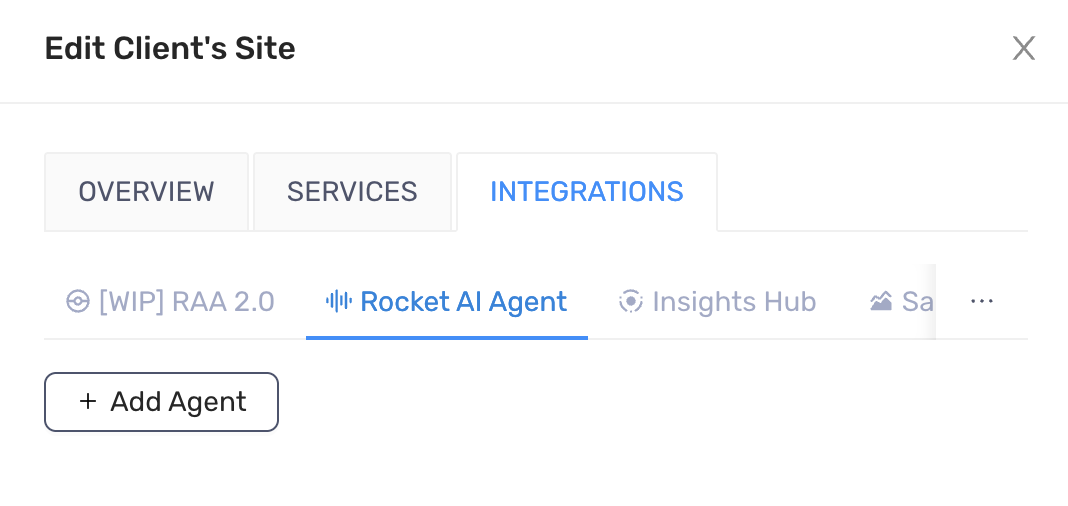
- On the Admin portal, go to Client’s Sites tab on the top menu
- Edit the client you want to link
- Locate the Integrations tab > the Rocket AI Agent tab
- Click the Add Agent button
- Select the agent you want to link
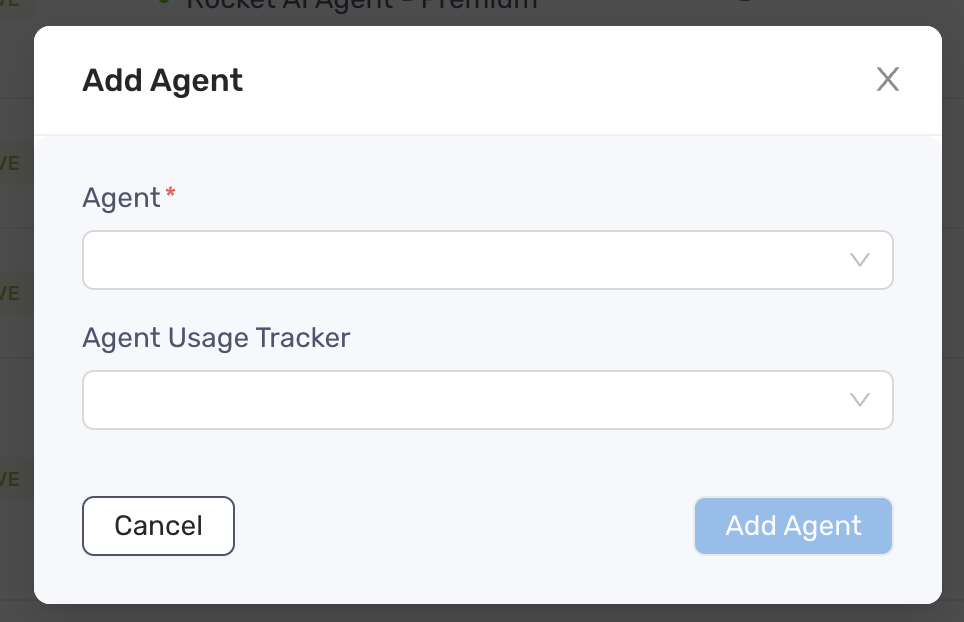
- Select the meter on the Agent Usage Tracker field
- Click Add Agent to finish