

Send SMS
This action is used to send an SMS during a phone call. You can send to the caller’s number or a different number. Agents can also receive SMS during an active call and understand the content, including text, images, audio, and video.
- On the Agent Edit screen, navigate the Actions section on the right-hand side
- Select the Send SMS from the Action dropdown button
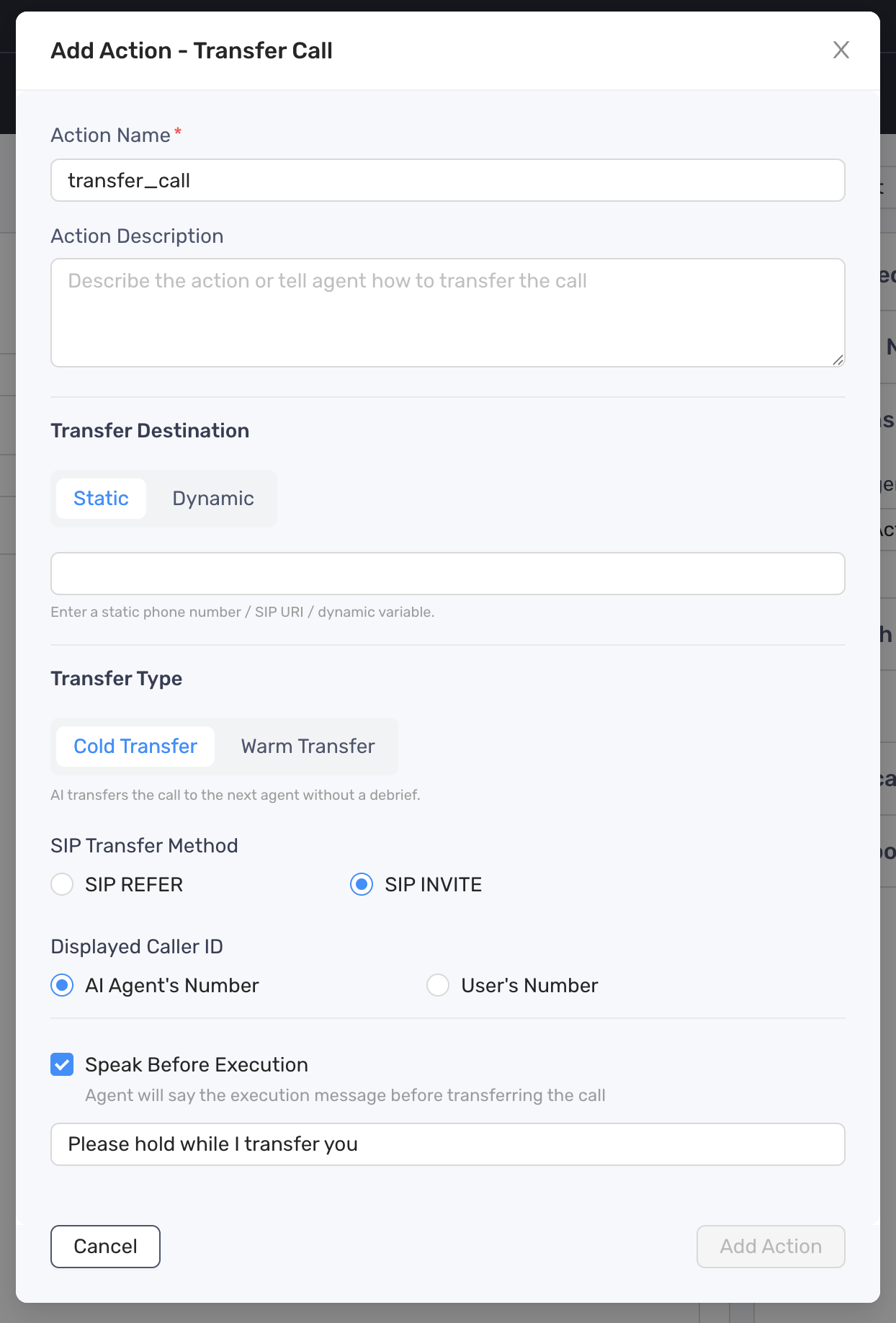
- Define the Action Description
- Configure the SMS content by choosing the type:
- Prompt: instruct agent what to be included in the SMS message
- Static Sentence: a fixed content
- Click Add Action button to finish
- Update the prompt to include a specific instruction when or how the agent should take the action