

Book Appointment
Integrate Cal.com availability checking to find open time slots.
Prerequisites
Section titled “Prerequisites”- You should have a Cal.com account in advance
- Have API Key and Event Type ID ready
- On the Agent Edit screen, navigate the Actions section on the right-hand side
- Select the Book Appointment from the Action dropdown button
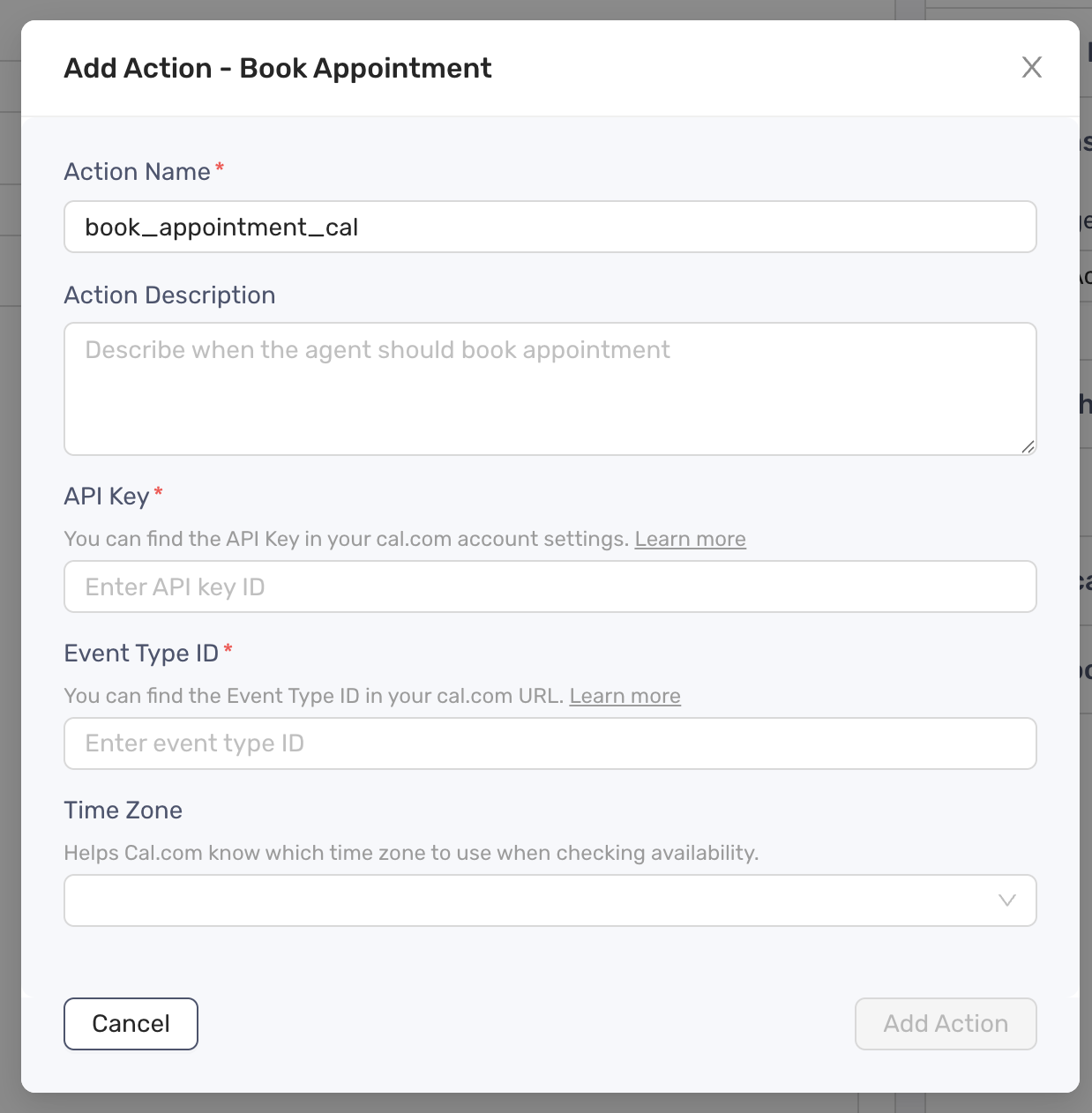
- Define the Action Description
- Enter the API Key and Event Type ID
- Select the time zone
- Click Add Action button to finish
- Update the prompt to include a specific instruction when or how the agent should take the action