

Editing A Post
Edit a post
Section titled “Edit a post”- Go to the Social page and select Content on the top menu
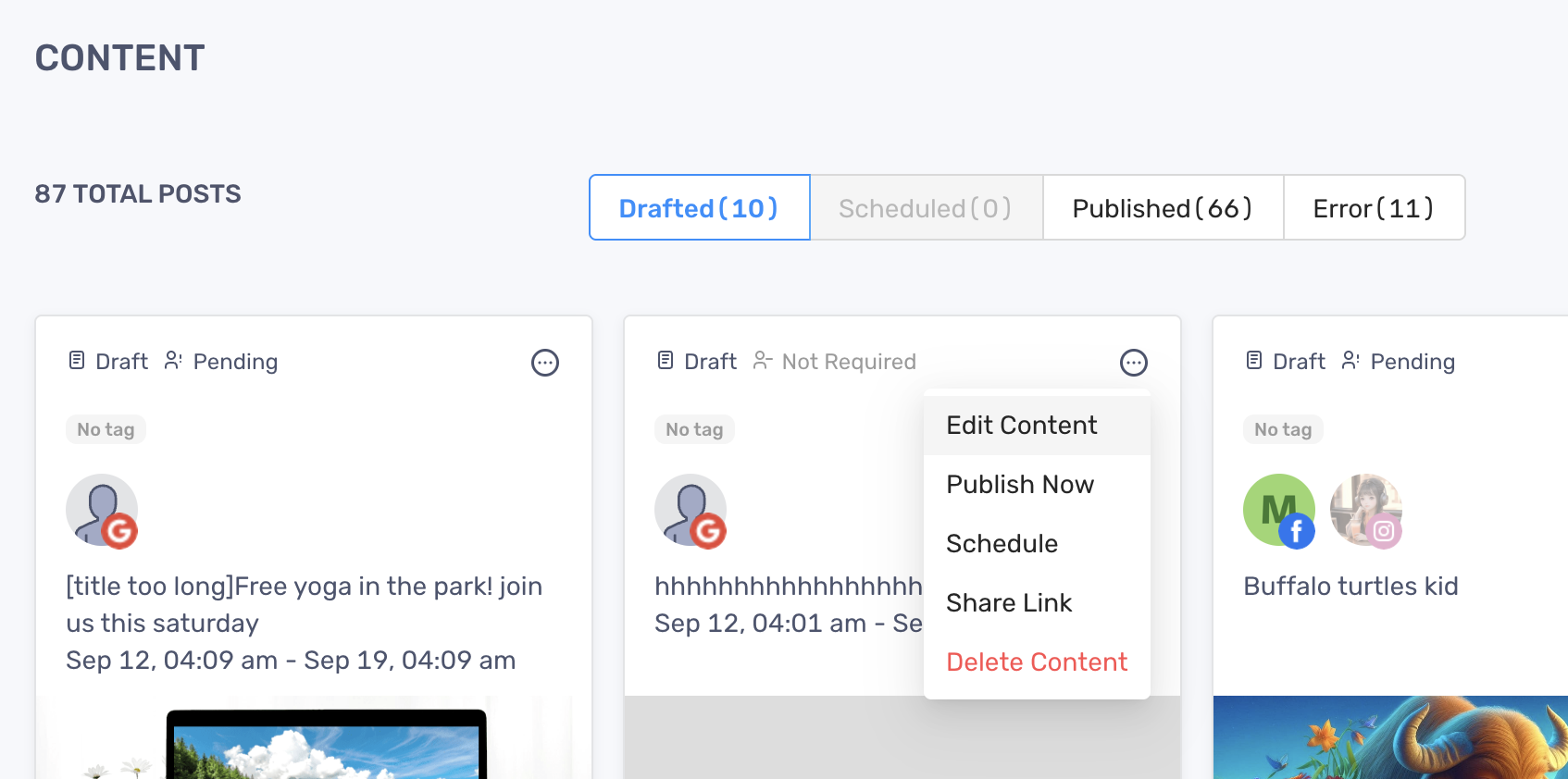
- On the Content page, navigate to the post you want to edit
- Click the ellipsis icon on the top right corner to expand the action menu
- Click “Edit Content”
- If your post hasn’t been published yet, you can make changes to:
- Caption, emoji, hashtags
- Tags
- Media files
- Sync Content
- If your post is published, you can only view the content
- Click “Save” to finish