

Creating Post As Draft
In RocketLevel, you can create posts before connecting social accounts, so your content is ready once those accounts are set up. Since it’s a draft, you cannot publish it.
Create post as draft
Section titled “Create post as draft”- Go to the Social page
- Click “Create Draft” on either Social Dashboard or Content page
- You will see the Create Content modal
- On that modal, turn off any social profile you won’t be needing
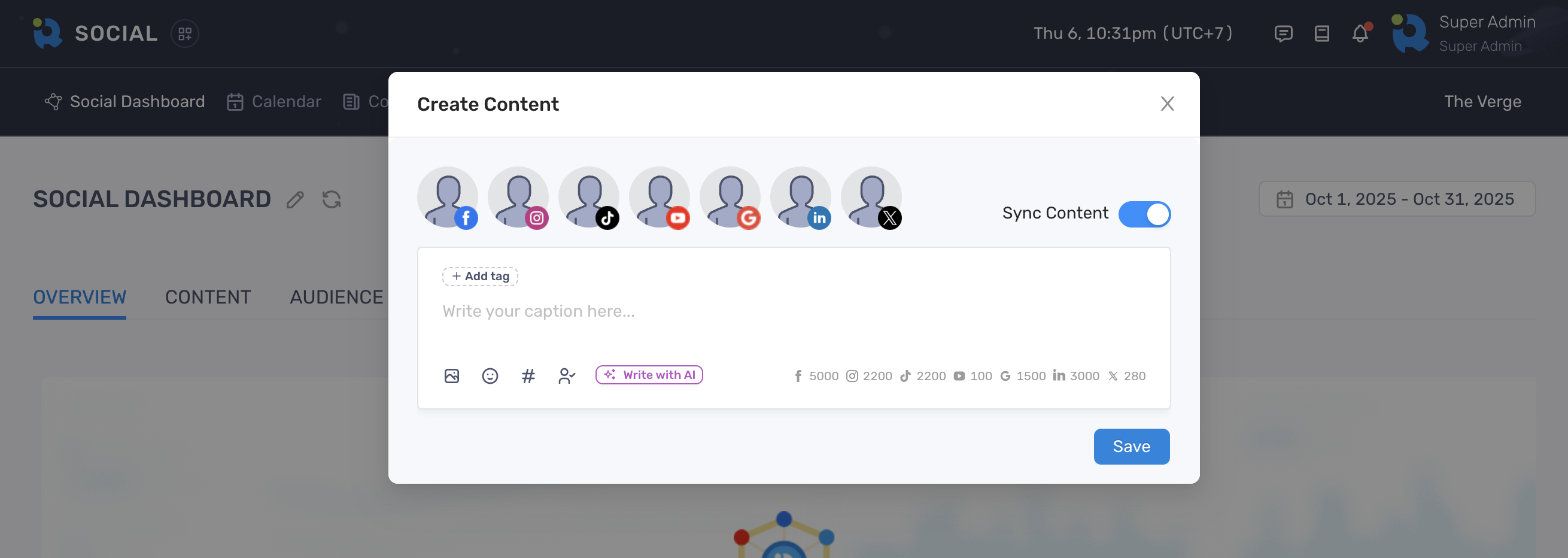
- Add your content, hashtags and tags
- Click the Media icon to add image or video to the post
- Click “Save” to finish
Customize content for each network
Section titled “Customize content for each network”If you want to create different versions of content for every network, turn off the Sync Content toggle.
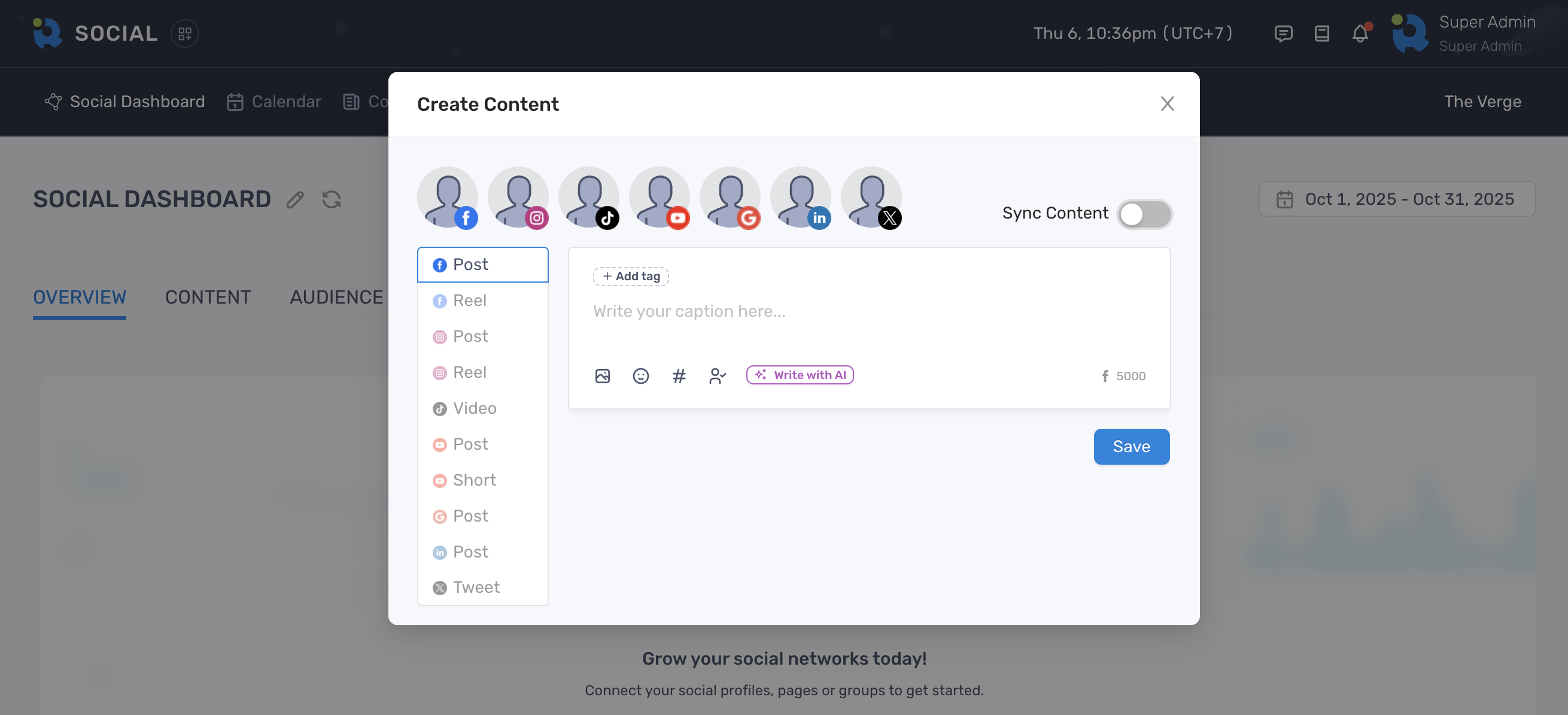
Then select a network on the left sidebar to start adding your content. However, if you turn the Sync Content back on, content on other tabs might be lost.