

Deleting A Post
Delete a post
Section titled “Delete a post”- Go to the Social page and select Content on the top menu
- On the Content page, navigate to the post you want to delete
- Click the ellipsis icon on the top right corner to expand the action menu
- Click Delete Content
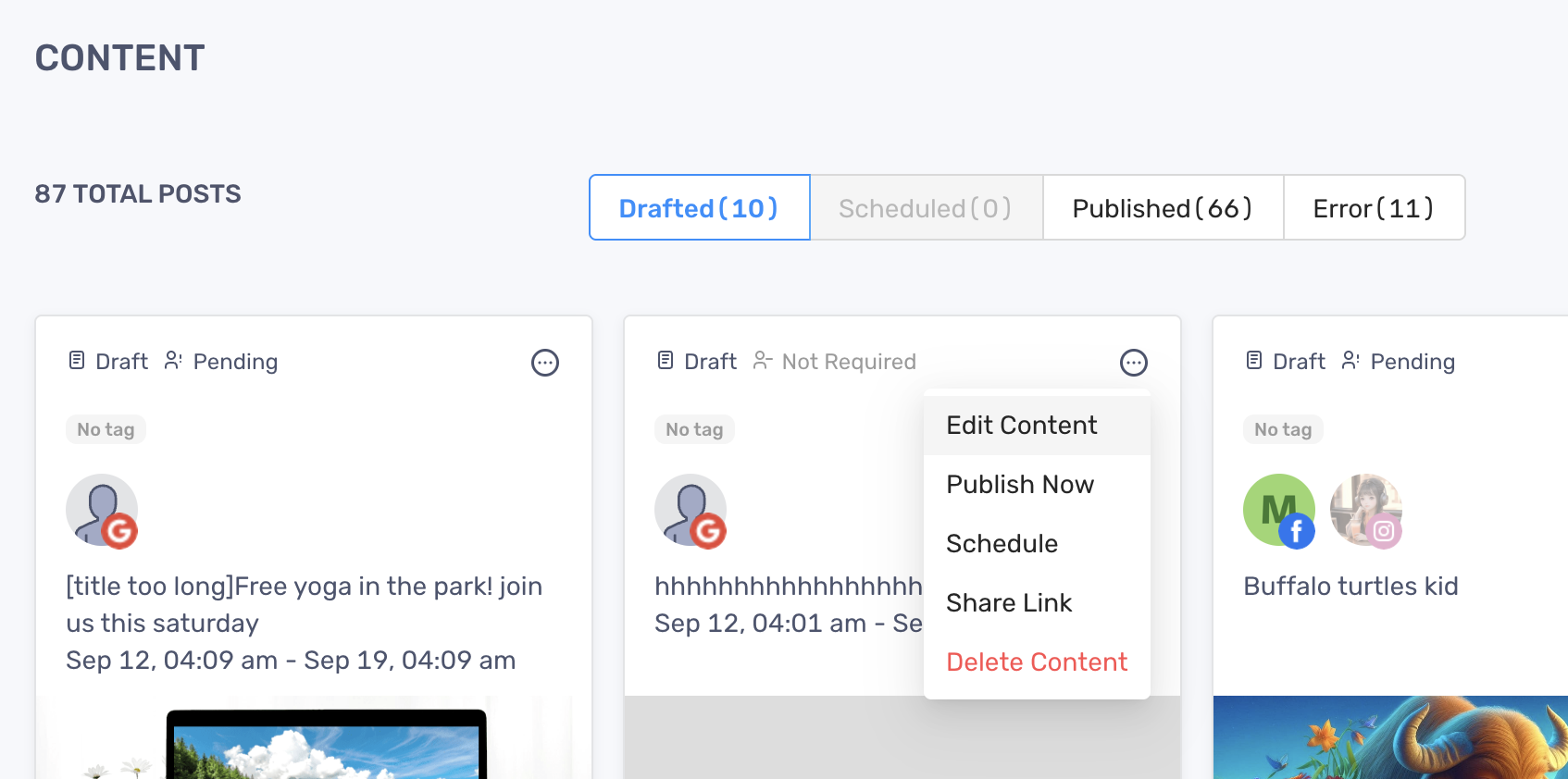
- Click Delete Content
- Click Delete on the Confirmation modal to finish
The content will only be deleted from RocketLevel app, and remain intact on the social network.