Commenting on a post
RocketLevel provides you with the feature of sharing posts with external users for feedback. No sign-in required at all.
Comment on a post
Section titled “Comment on a post”- Go to the Social page and select Content on the top menu
- On the Content page, navigate to the post you want to comment
- Click the ellipsis icon on the top right corner to expand the action menu
- Click “Edit Content”
- On the Edit Content modal, you can see the Comment tab and field for you to write the comment
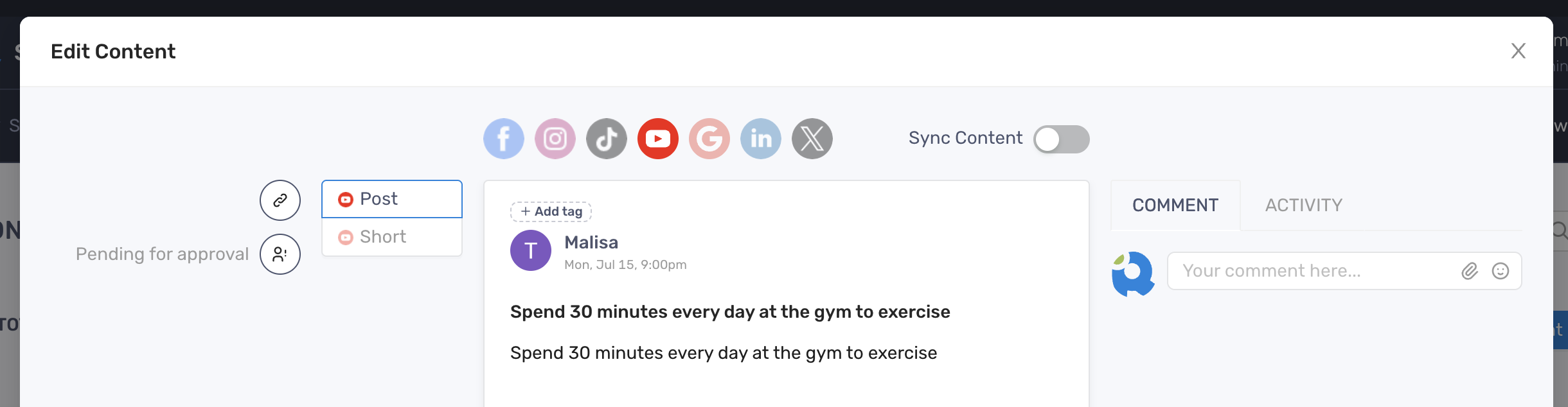
- Click the Emoji icon to add emoji to the comment
- Click the Paperclip icon to add files such as image or video to the comment
- Hit Enter to post the comment
Control who can see the comment
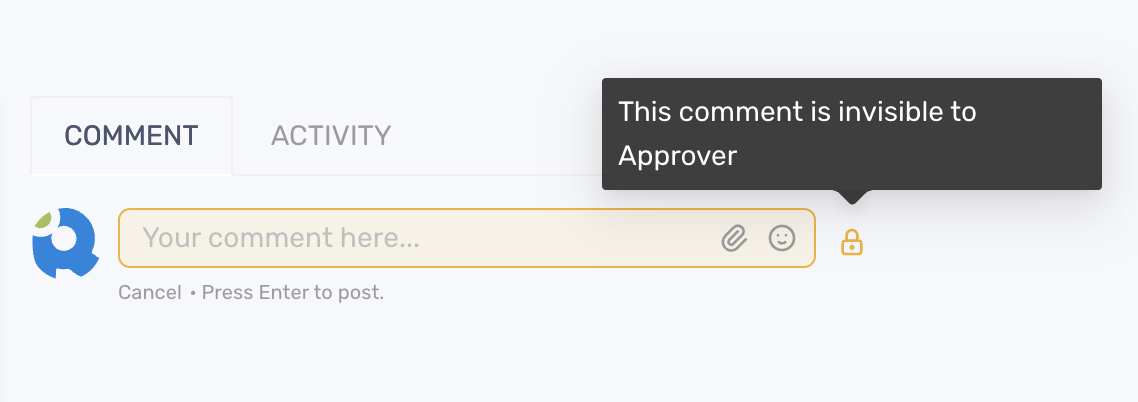
Section titled “Control who can see the comment”On the comment field, navigate to the Lock icon next to the comment field
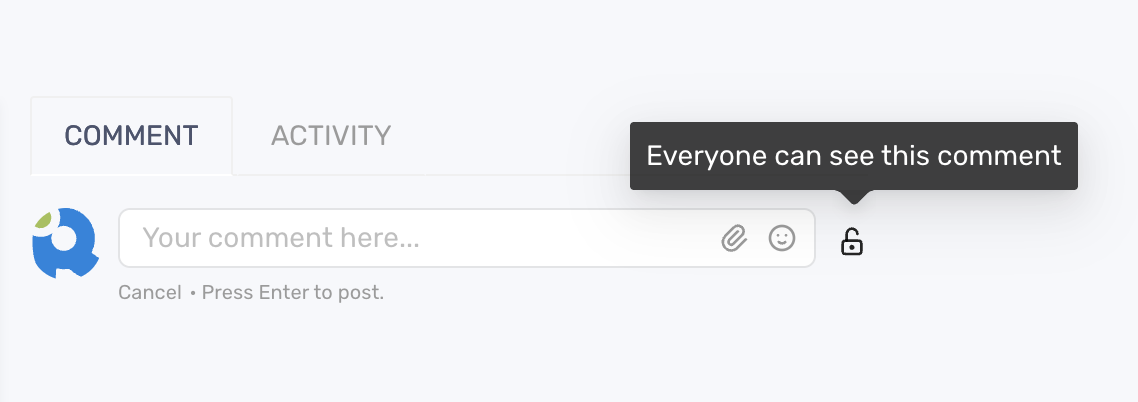
Click the icon to keep the comment invisible from the approver