

Managing Entitled Users
Add an entitled user
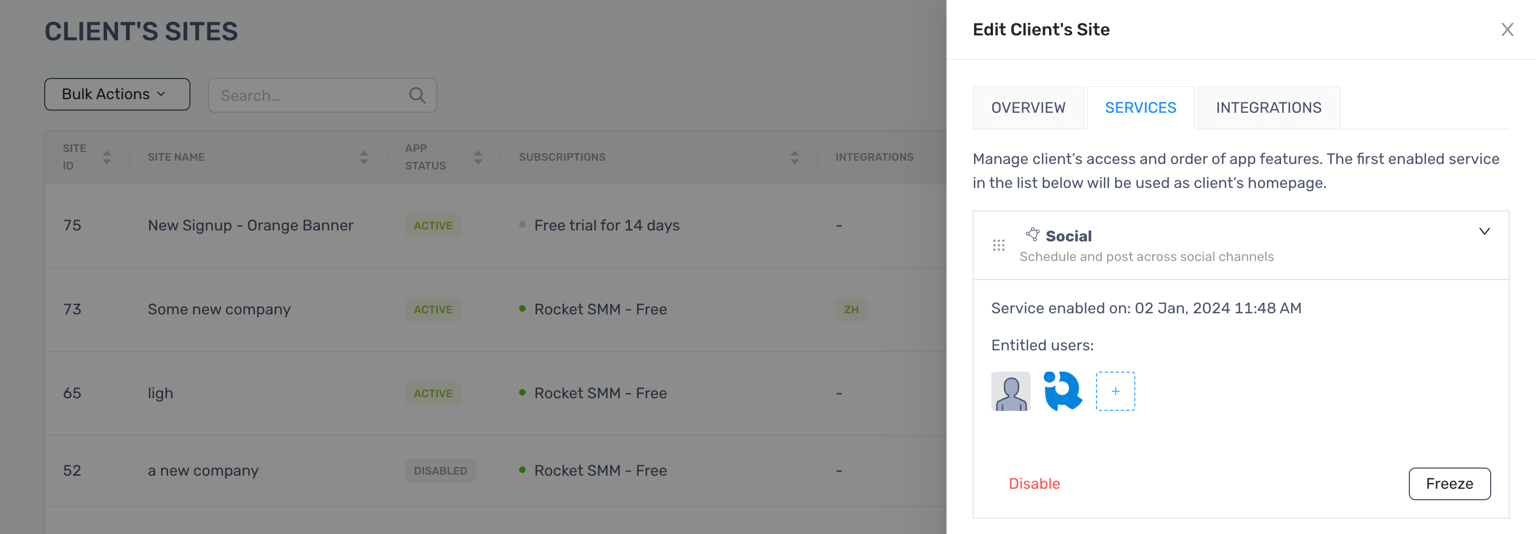
Section titled “Add an entitled user”- Edit a client’s site and click “Services” tab
- Open the Social accordion
- Click Add users button under the Entitled users section
- Enter Username or Email
- Click “Add Users” to finish, and the selected users will be shown
The user will be notified by email and can start their work by clicking View Client button in the email.