Notifcations for Team Members
A Team Member is An External User.
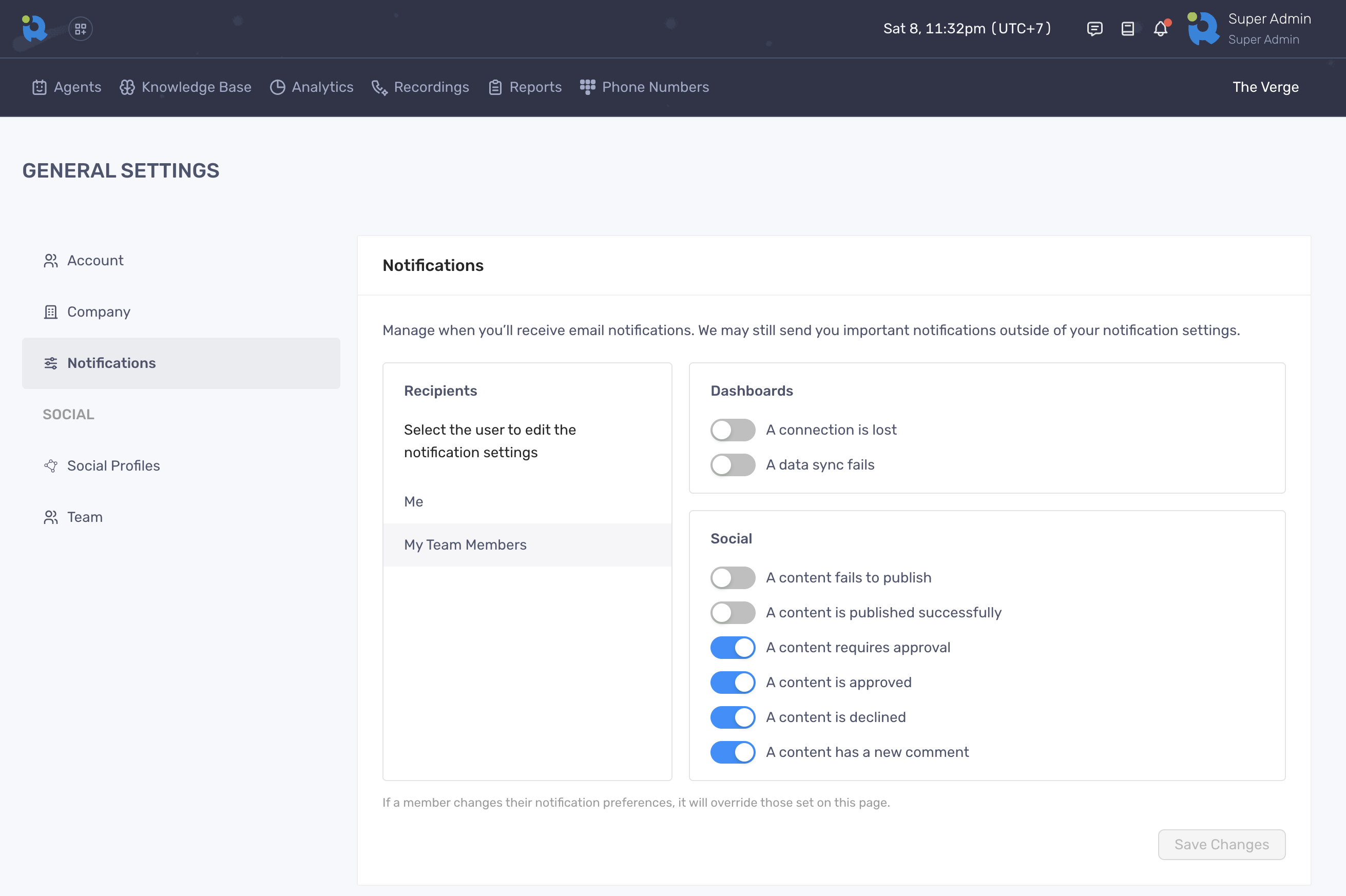
The Notifications feature allow users to manage how and when you receive email updates from RocketLevel. Users can set separate notification configurations for different events, as well as different recipients.
To configure the notifications for client’s team members:
- Log in to Admin Portal
- Go to a client’s site by clicking the site name
- Navigate to the dropdown menu on the top right corner and select “General Settings”
- On General Settings, select “Notifications” tab on the sidebar
- Click “My Team Members”
- Adjust the toggles and click “Save Changes” to finish